
Guide, connected systems
You do not have too many tools. You have people acting as the wiring.
Every re-typed line is a wire made out of somebody's afternoon.
Every tool in your business was a good decision. The scheduler solved scheduling. The accounting package solved accounting. Nobody ever chose to have a person carry data between them twelve times a day. That part just accumulated.
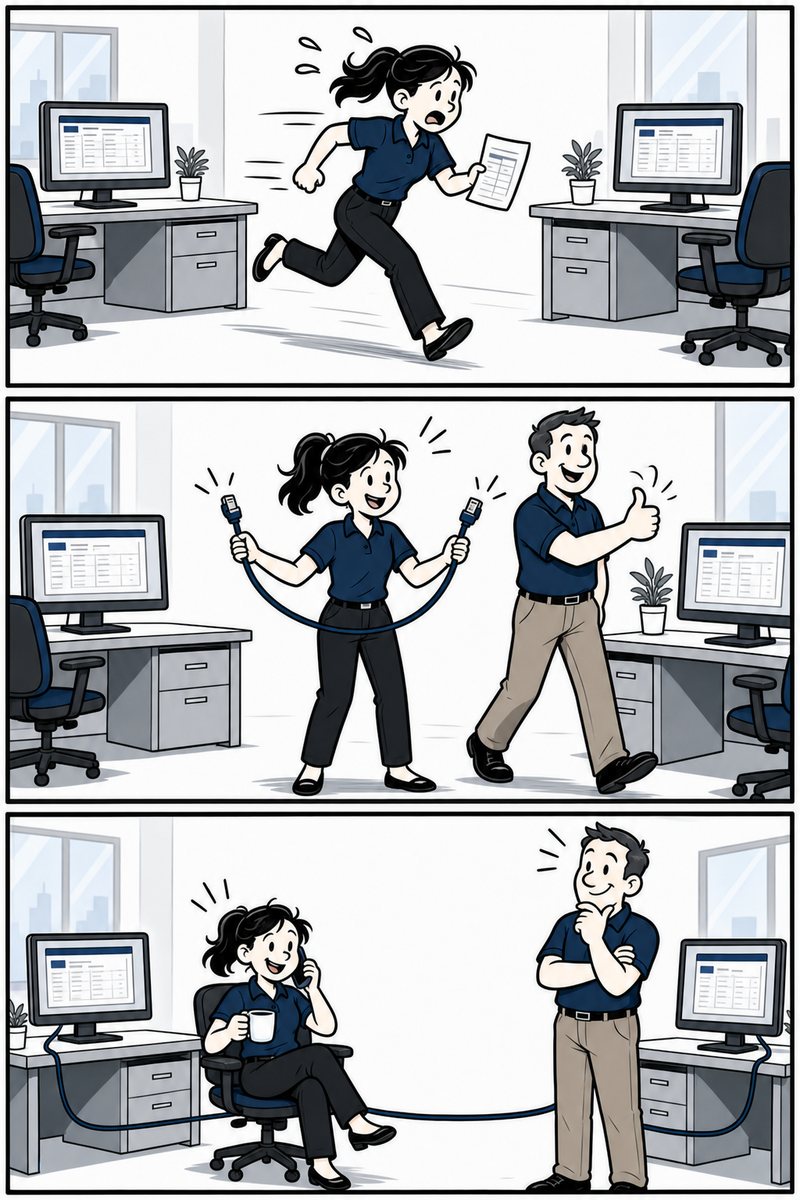
Connecting business tools means moving data between the systems you already own so a person does not have to. You find the gaps by following one real job from first contact to paid and marking every place something gets typed twice. You connect the step that repeats most often, not the one that annoys you most. And you do not connect anything until the process it carries is one you would want happening more often.
What does the gap between tools actually cost?
This is the part that never shows up on an invoice, which is exactly why it survives for years. Both figures below come from studies that measured behaviour rather than asking people to estimate it.
is how often workers switched between applications when researchers tracked 20 teams across three Fortune 500 companies. It added up to just under four hours a week, per person, spent moving between tools rather than working in them.
Why nobody notices this happening
Because it never arrives as a problem. It arrives as four minutes.
Four minutes to copy the job details into the scheduler. Four minutes to re-type the total into accounting. Two minutes to check whether the version in the spreadsheet is the current one. None of those is worth interrupting anybody about, and that is precisely why they compound undisturbed for years.
The tell is not frustration. It is a sentence: "we just do it that way." Whenever an owner says that about a step, there is usually a system on either side of it that could have handled the whole thing.
How to map your own gaps in one afternoon
Run these five steps yourself. If they turn up nothing, that is a real answer, and it cost you an afternoon.
1. Pick one real job, not a typical job
An actual job you did last month, with a name on it. Typical jobs are tidier than real ones, and the mess is the data you are looking for.
2. Walk it from first contact to paid
Write down every tool it touched in order, the form, the inbox, the spreadsheet, the scheduler, the accounting package, the folder on somebody's desktop. Include the paper.
3. Mark every place something got typed that already existed
A name, an address, a price, a measurement. If a human read it in one place and typed it into another, that is a gap. Circle it.
4. Count how many jobs a month go through each gap
Then multiply by the minutes. A four-minute gap on 200 jobs a month is over 13 hours. The gap that annoys everybody is frequently a 30-minute-a-month gap, and the expensive one is the boring one nobody mentions.
5. Ask what breaks when the person doing it is away
Any gap where the honest answer is 'we fall behind and catch up on Monday' is a risk sitting inside a workflow. Mark those separately. They justify connection even when the minutes are small.
Zapier, Make or n8n, which one should you use?
An honest orientation rather than a verdict, because the right answer genuinely depends on volume and on who has to maintain it after it is built.
- Zapier, start here if the connection is simple
The largest library of ready-made connections and the shortest path from idea to working. If your need is 'when a form comes in, make a row and send an email,' this is the right tool and anyone telling you otherwise is selling something. It gets expensive as volume climbs, and its error handling is thin. A single bad record can quietly stop a run.
- Make, when the logic branches
You see the whole flow on a canvas, which matters once there are conditions, loops and several possible endings. Better value at volume than Zapier, and the visual model makes a complicated process explainable to somebody who did not build it. Still a hosted service with its own limits.
- n8n, when volume, error handling or ownership matter
Real branching, real retries, and the option to run it on infrastructure you control. This is what we reach for when a broken record must not stop the whole run, when a human approval step has to sit in the middle, or when a client wants the system to keep working regardless of our relationship. The trade is that it expects somebody technical to look after it.
- None of the above, check what you already own
Your CRM, your accounting package and your job platform frequently ship native connections to each other that nobody switched on. It is the least glamorous answer in the category and it costs nothing. Check it before you buy anything.
When is connecting two tools the wrong answer?
Four situations, and we run into all of them.
When the process itself is wrong. A connection makes whatever currently happens happen more often and faster. If the underlying step is a workaround somebody invented in 2019, automate the workaround and you have made it permanent.
When the volume is genuinely low. A step that happens six times a month does not justify a system that has to be maintained forever. Do it by hand and spend the effort on the step that happens six times a day.
When one of the tools is on its way out. If you are six months from replacing the accounting package, connect to the new one. We have watched people build a beautiful bridge to a building that was scheduled for demolition.
When the data is inconsistent. If the same customer exists three times under slightly different names, a connection will faithfully propagate all three. Clean first, connect second. Otherwise you have automated the confusion.
See how we counted the hours on one real connection: the case study.
What should a connection do that a spreadsheet cannot?
- Fail loudly, in one place
When something goes wrong, and it will, one bad record should stop itself, not the whole run, and somebody should be told. Silent failure is the difference between a system and a liability.
- Keep a record of what it did
What ran, when, with what result. This is how we know what it actually did, rather than assuming it worked.
- Stop for a human where it matters
Anything a customer sees or that moves money gets an approval step. Everything reversible and internal can run unattended.
- Live in accounts you own
If the connection sits in a vendor's account, you are renting your own operation. Build it where you can still reach it after the relationship ends.
- Survive somebody's holiday
The real test is not the demo. It is a Tuesday in your busy season with two people out.
Questions operators ask about connecting systems
Do we have to replace our software?
Almost never, and we would rather you did not. The point is to use what you already pay for properly. Replacing a tool is expensive, disruptive and usually solves a problem that lived between the tools rather than inside one.
How long does a connection take to build?
The honest answer is that it depends on how clean the data is and how many exceptions the process has. The build is rarely the slow part, agreeing what should happen when something is unusual is.
What if the software changes and it breaks?
Then it should tell you. That is why monitoring and a run record are part of the build rather than an upsell. A connection nobody is watching is a problem waiting for a quiet week.
Can we build this ourselves?
Frequently, yes, especially the first one. If you have somebody comfortable in Zapier or Make and a process that does not branch much, do it yourself and keep the money. Where custom earns its keep is volume, error handling and anything a customer sees.
Where should we start?
With the map, not the tool. Run the five steps above on one real job. If the answer is obvious afterwards, act on it.
This guide tells you what to fix. The Task Sorter tells you where to start.
Pick one task that keeps landing on you. Four questions tell you whether to automate it, give it to AI, hand it off or keep it, and the first move to make. No email to see your answer. Sort my task →